 Install with Gale

Description
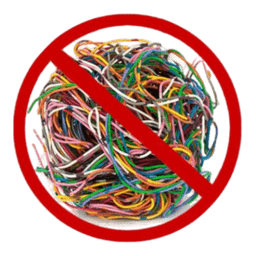
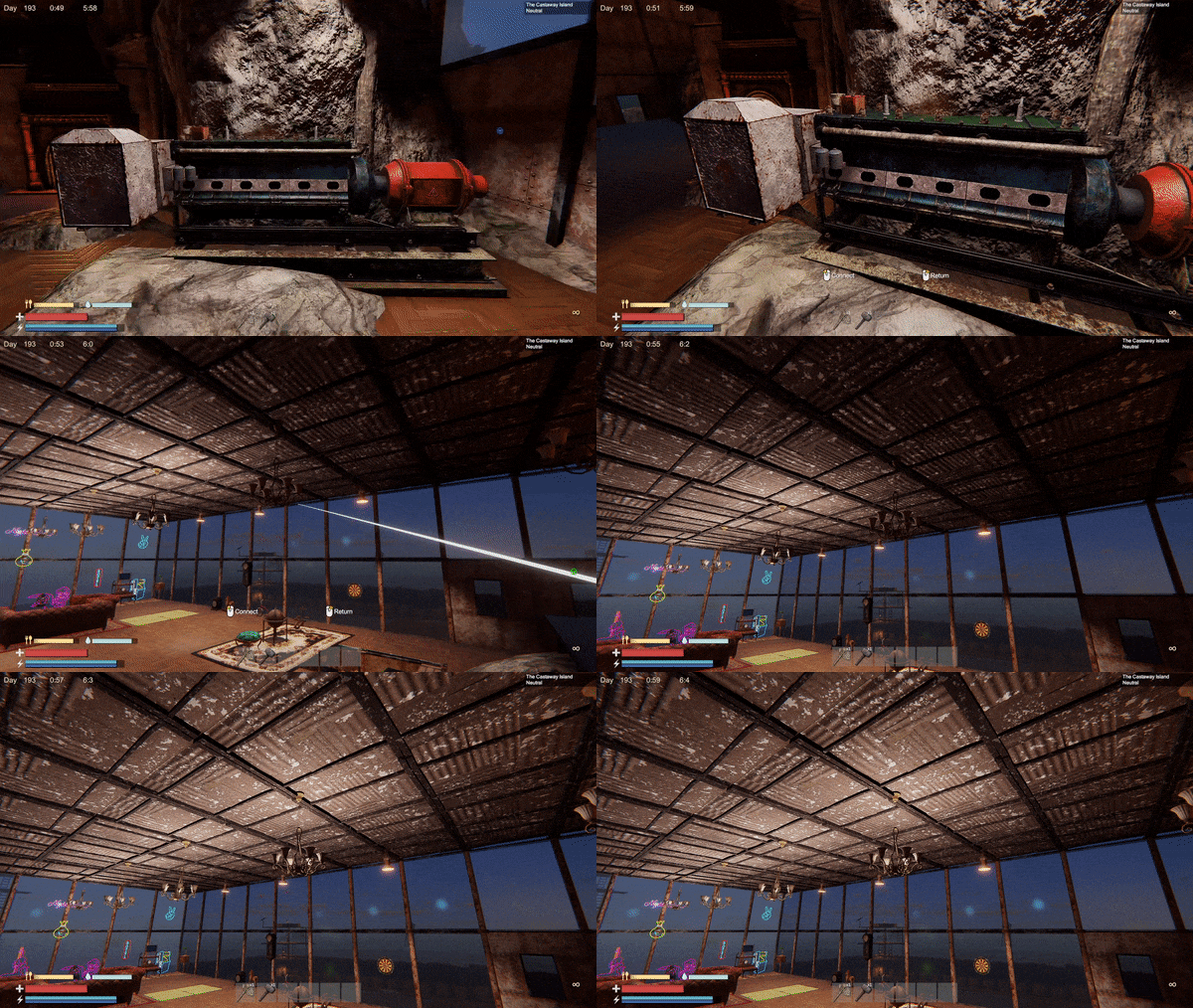
Hides wires from view after they have been connected. They are still visible during the connection process.
Installation Instructions
You must have BepInEx installed correctly! I can not stress this enough.
Manual Installation
Note: (Manual installation is likely how you have to do this on a server, make sure BepInEx is installed on the server correctly)
- Download the latest release of BepInEx.
- Extract the contents of the zip file to your game's root folder.
- Download the latest release of NoWires from Thunderstore.io.
- Extract the contents of the zip file to the
BepInEx/pluginsfolder. - Launch the game.
Installation through r2modman or Thunderstore Mod Manager
-
Install r2modman or Thunderstore Mod Manager.
For r2modman, you can also install it through the Thunderstore site.

For Thunderstore Mod Manager, you can also install it through the Overwolf app store

-
Open the Mod Manager and search for "NoWires" under the Online tab.
Note: You can also search for "Azumatt" to find all my mods.The image below shows VikingShip as an example, but it was easier to reuse the image.
-
Click the Download button to install the mod.
-
Launch the game.
Feel free to reach out to me on discord if you need manual download assistance.
Author Information
Azumatt
DISCORD: Azumatt#2625
STEAM: https://steamcommunity.com/id/azumatt/
For Questions or Comments, find me in the Odin Plus Team Discord or in mine: